Key Features
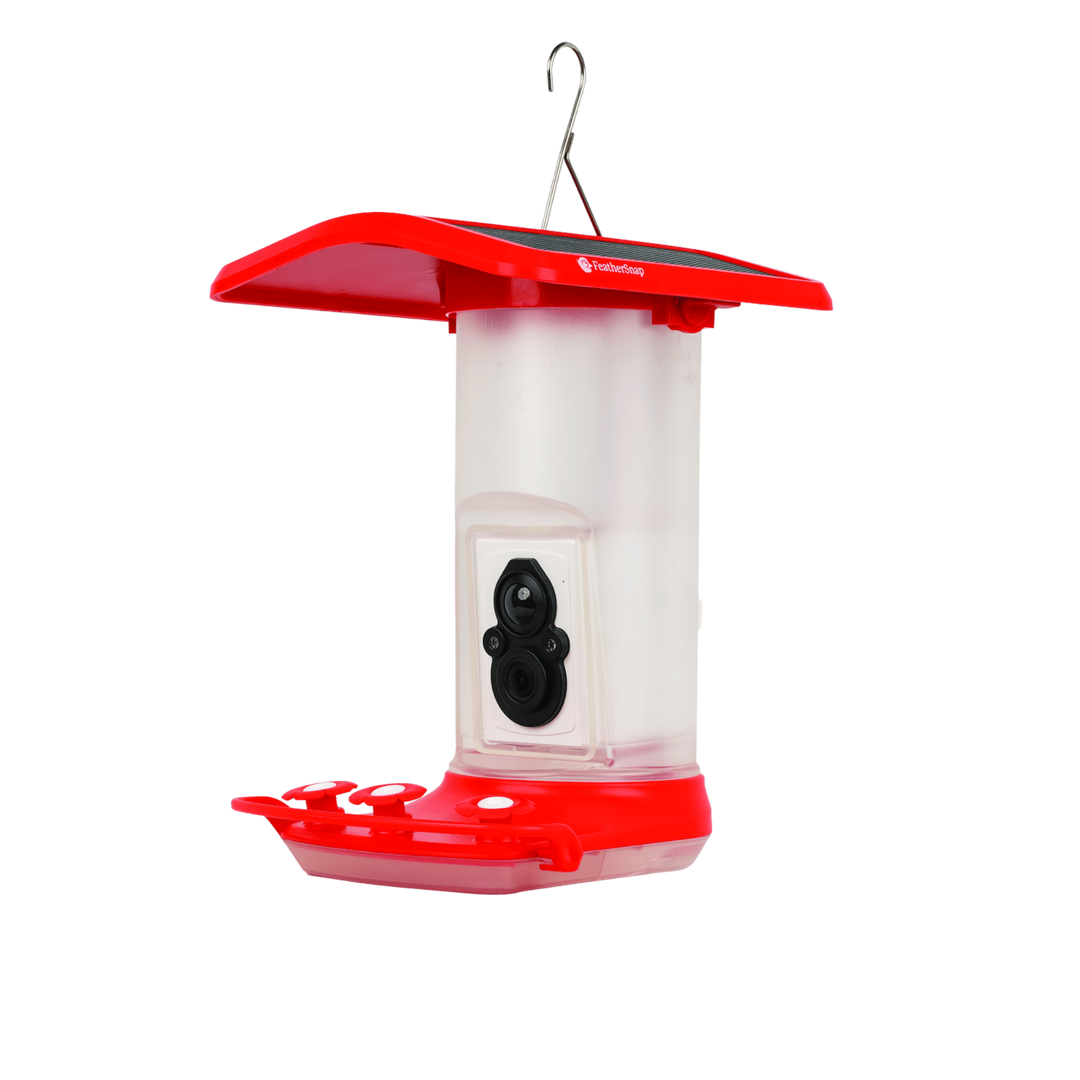
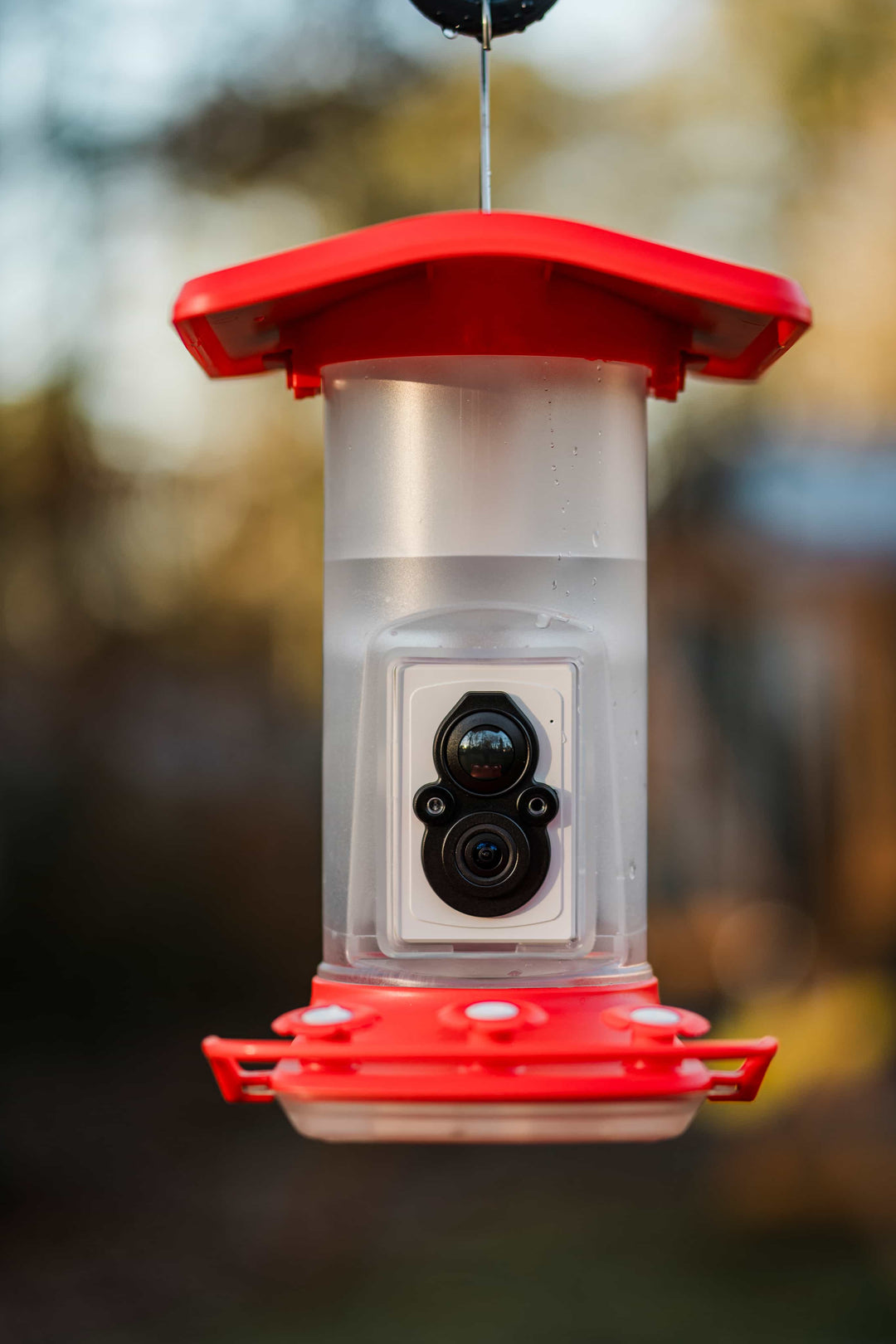
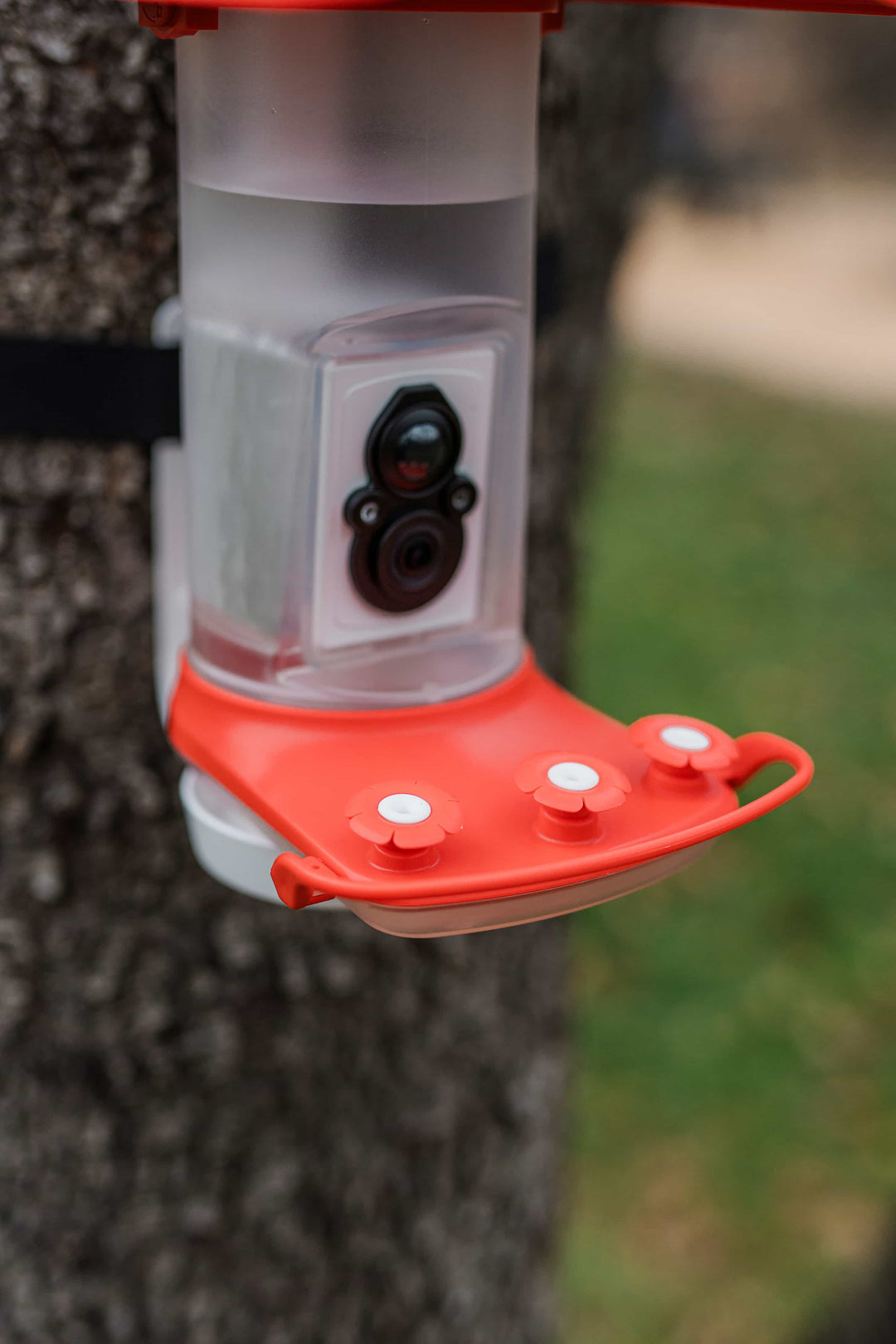
- Built-in Wi-Fi-enabled, motion-activated HD camera
- Instant, real-time notifications when a hummingbird visits
- Three nectar ports designed to mimic flower clusters found in nature
- Detailed HD photos and videos sent right to your phone*
- Live video so you can see and hear hummingbirds
- Solar-powered roof at no extra charge
- Generous 1-liter nectar reservoir with built-in ant moat
- AI bird ID informed by FeatherSnap's in-house ornithologist*
- Durable design stands up to harsh weather conditions
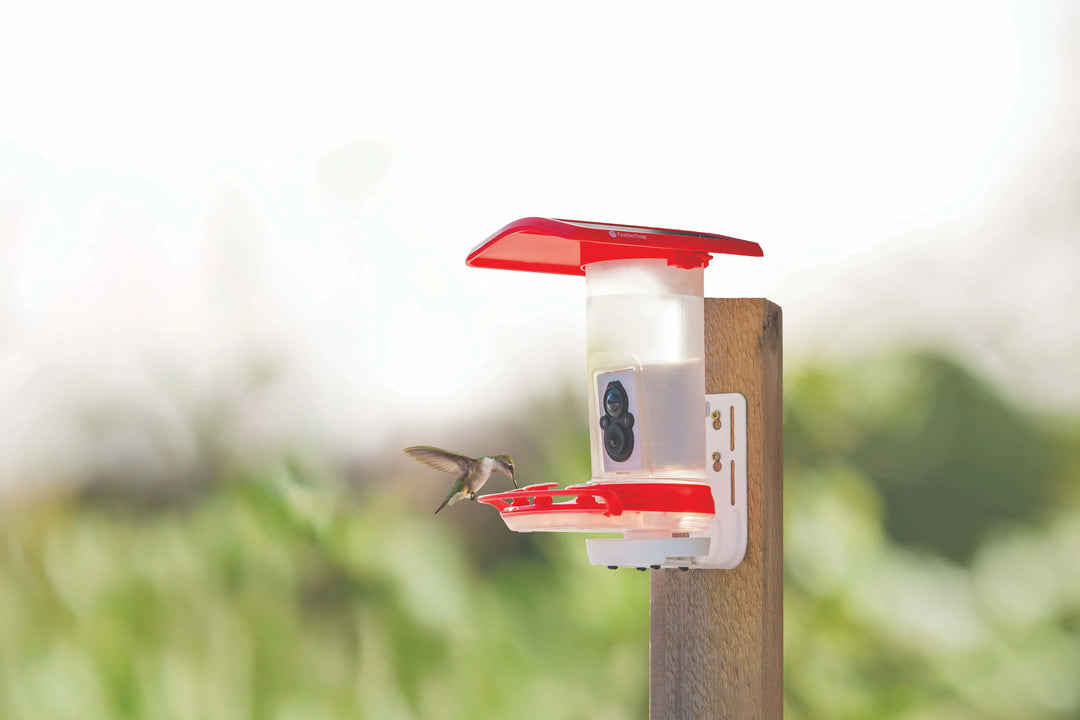
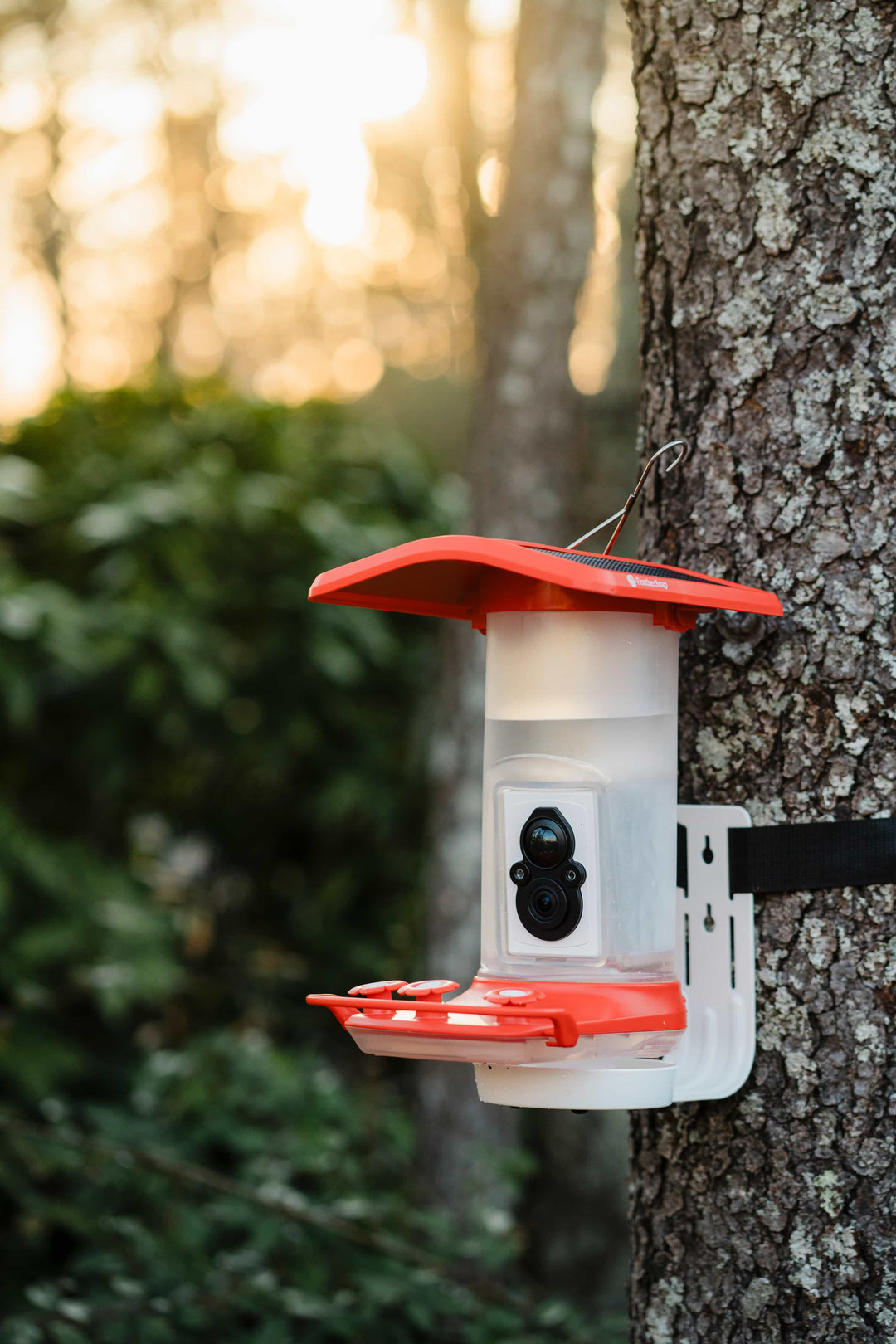
- Hang it with the hook or mount it with the included hardware
*Included with the optional FeatherSnap Premium Subscription.
Description
The fastest wings in nature are ready for their close-up. The FeatherSnap Smart Hummingbird Feeder is specifically designed to invite the elusive beauty of hummingbirds and capture extra-detailed images and videos, giving you a rare, up-close look at all the magic.
Complete with a solar-powered roof, motion-activated camera, three nectar ports, and built-in Wi-Fi, it's the ideal feeder for backyard dreamers. Every feeder comes with expert-informed AI bird identification, STEM.org-certified fun, and a bird's eye view of these incredibly special creatures.
Unparalleled Photo Quality
Unmatched, wide-view photo quality means sharp, vibrant images and videos of all your feathered friends.
Live Detection, Real-Time Views
Motion detection sends a real-time notification to your device with each hummingbird that swoops by, no matter where you are.
Three Ports, Triple the Visitors
Three nectar ports invite more hummingbirds to your feeder, so you get a good look at the birds and their interactions.
Snap, Share, Repeat
The app makes it easy to save, download, and share your best hummingbird pictures and videos.
Expert-Trained AI
FeatherSnap's resident ornithologist helped develop the AI identification system, uniquely tailored to North American birders. So you always know a little (or a lot) about the birds stopping by.
Solar-Powered, No Cords Attached
Built-in solar panels extend battery life and always come standard. No upgrade required, no fees added.
Quick, Friendly Support
FeatherSnap's customer service team is U.S.-based, so you speak with a real person, not a machine, to get the help you need.
The FeatherSnap App
Free to see, share, and enjoy. The free FeatherSnap app turns your feeder into the show of the season, giving you a front-row seat with HD photos, live video, and audio you can share with your fellow bird nerds in just a tap.
Smart Bird Watching
AI and manual bird identification developed by FeatherSnap's in-house ornithologist, Maria Kincaid.
Bird Learning
Get real-time insights on your feathered visitors with fun facts, seed recommendations, migration patterns, and more.
Trivia & Challenges
Test your bird smarts with daily trivia and weekly quests to earn more seed and unlock rewards.
Upgrade your feed. From first-time spotter to full-on birdwatching pro, the optional Premium Subscription has it all: instant species identification, expert tips on all things birds, your own Bird Book, plenty of games, and unlimited snaps and videos to share, save, and aww over.
Getting Started
Getting your Smart Hummingbird Feeder up and running is easy. Just follow these steps and you'll be on your way.
1
Assemble
Unbox and put together your Smart Hummingbird Feeder using the instructions provided.
2
Charge Up
Use the provided cable to fully charge the battery, then place the battery into the camera.
3
Create Account
In the app, create an account and add your feeder. A Premium Subscription levels up the experience.
4
Pick a Spot
A bright, semi-open place with a clear view that provides a safe snacking spot is ideal.
5
Hang Feeder
Mount the feeder using the hook or the included mounting hardware.
6
Add Nectar
Fill the ant moat with water to keep pests away, then add nectar to the reservoir.
7
Nerd Out
Share pics and videos, ID species, collect badges, and live your wildest bird nerd dreams.
FAQs
Where should I place my hummingbird feeder?
Place it anywhere it can be attached to a fixed object or securely hung using the attached hook. Look for a quiet, safe spot with partial shade and plenty of nearby flowers to help invite more hummers, then hang it high and clip it tight. Keeping it away from harsh direct light helps protect the camera and makes for even better hummingbird content.
What sort of nectar should I use?
Hummingbird nectar is easy to make: mix four parts water to one part white sugar. White sugar matters, since brown sugar, raw sugar, or molasses can be harmful to birds. Warm the water until it begins to simmer, stir in the sugar until it dissolves, and let it cool to room temperature. Leftover nectar can be refrigerated for up to a week. If you buy premade nectar, make sure it's sucrose-based, low in preservatives, and dye-free.
How do I clean my hummingbird feeder?
Wash the feeder with warm water and mild soap, using a bottle brush to reach the small nooks, and give the ports a good swipe since that's where mold likes to hide. The nectar reservoir and drinking tray are dishwasher safe. Sanitize with a solution of 90% water and 10% bleach, or a 50/50 mix of water and vinegar, then dry with a soft cloth, taking extra care near the camera to avoid scratches.
Do I need a subscription to use the app?
Discover the joy of birdwatching right out of the box with the free FeatherSnap app, where you can access live streaming of birds at your feeder and download pictures. When you're ready to spread your birdwatching wings, the Premium Subscription adds more: save and share your best snaps, use AI to identify bird species (like having your own on-call ornithologist), build your own Bird Book, unlock weekly Snap Wraps, play daily games to earn seed, hatch and customize Snaplings, and collect exclusive badges.
I'm not getting any visitors. Any tips?
Hummingbirds can be picky and like to take their time. Make sure the nectar is fresh and clean, and double-check the location: avoid windy spots, busy footpaths, and areas near dense bushes where predators lurk, and hang it 4 to 6 feet off the ground. With a new feeder, patience is often the best trick. They will find you, and the wait is worth it.
My camera doesn't seem to charge. What should I do?
Check that the camera is properly inserted. Next, gently clean any dirt or debris off the solar panels with warm water and a bit of mild soap. Finally, make sure the feeder hangs in a spot that gets direct sunlight for several hours a day.
Specifications
| Model |
FSHB001 (FeatherSnap Smart Hummingbird Feeder) |
| Camera |
High-resolution 4MP camera sensor; wide field of view (FOV) |
| Capture |
HD photos, videos, and live view with audio; motion activated |
| Nectar Capacity |
1 liter |
| Feeding Ports |
3 nectar ports |
| Pest Protection |
Built-in ant moat |
| Bird Feeder Dimensions |
13" x 12" x 14.5" (L x W x H) |
| Weight |
Unfilled 3.3 lbs; filled 6.2 lbs |
| Connectivity |
Wi-Fi at 2.4GHz |
| Power |
Solar powered with rechargeable battery; USB-C charging optional |
| Operating Temperature |
-20°F to 130°F |
| App |
FeatherSnapCam app (iOS and Android); optional Premium Subscription |
| Certification |
STEM.org certified |
| Warranty |
1 year from activation date |
In the Box
- FeatherSnap Smart Hummingbird Feeder (1L nectar reservoir, 3 feeding ports, ant moat)
- HD camera with rechargeable battery
- Universal mount and hardware
- Charging cable